


Security and Monitoring Systems: Turning Business Protection Into a Managed Infrastructure
Business security is no longer only about installing cameras at the entrance. Modern companies need visibility, access control, event verification, secure monitoring, reliable recording and systems that can be maintained over time. A security and monitoring system should not be treated as a collection of devices. It should be treated as part of the company’s operational infrastructure.
When designed properly, security systems help businesses protect people, assets, offices, warehouses, technical rooms, reception areas, parking zones and restricted spaces. When designed poorly, they create blind spots, weak access control, unreliable recordings, poor image quality, exposed devices and a false sense of safety.
Companies that want professional planning, implementation and maintenance can start with these security and monitoring systems, designed for businesses that need a structured approach to surveillance, access control and technical protection.
Security monitoring as a business risk function
A good security system is not just a technical installation. It is a business risk function. It helps answer practical questions: who entered a restricted area, what happened during an incident, whether a delivery zone is monitored, whether access can be revoked quickly, and whether recorded footage is available when needed.
This is why businesses should think beyond camera count. The real question is whether the system supports actual decisions. Can the company verify events? Can management review incidents? Can access be controlled by role? Can the system continue working reliably after months of operation?
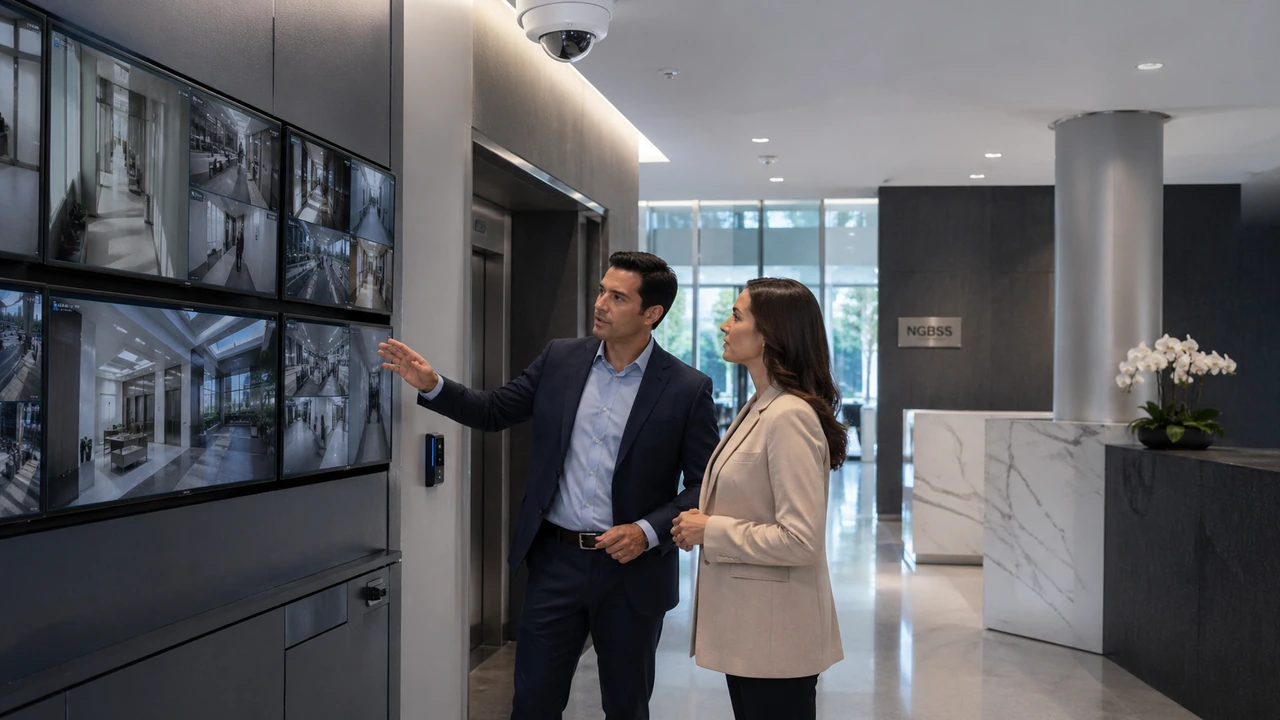
A system that cannot answer these questions may look impressive, but it does not provide enough operational value.
From passive surveillance to managed protection
Traditional surveillance was often passive. Cameras recorded video, and footage was checked only after something happened. Modern business security needs a more managed approach. Surveillance, access control, alarms, network infrastructure and remote access should work together.
Managed protection means:
- critical areas are identified before installation;
- camera placement is planned for real visibility;
- recording capacity is calculated;
- access is controlled and auditable;
- remote access is secured;
- devices are maintained and updated;
- the system is documented for future support.
This approach is more reliable than simply adding devices whenever a new problem appears.
Core components of a business security system
Every company has different requirements, but most business systems include several technical layers that need to be coordinated.
Video surveillance
Cameras provide visual coverage for entrances, corridors, reception areas, storage rooms, parking areas or other important zones. The camera type, lens, resolution, mounting height and lighting conditions all influence the final result.
Recording and storage
Video must be recorded on reliable equipment. Storage should be sized for camera count, resolution, frame rate, compression and retention period. Businesses should know how long footage is kept and how quickly it can be retrieved.
Access control
Access control determines who can enter certain areas. It can use cards, codes, readers, locks, schedules and user permissions. It is especially useful for offices, technical rooms, warehouses and restricted areas.
Alarms and sensors
Alarms, motion sensors and door contacts can support surveillance by detecting events that require attention. Combined with video verification, they can improve response quality.
Network and connectivity
IP cameras, recorders and access control devices depend on stable connectivity. Poor network design can affect video quality, recording reliability and remote access.
Monitoring and administration
Monitoring may be local, remote or hybrid. Administration includes user accounts, permissions, updates, logs, alerts and configuration management.
Why camera placement matters more than camera quantity
Businesses sometimes assume that more cameras automatically means better security. That is not always true. A smaller number of correctly placed cameras may be more useful than many cameras installed without a plan.
Good placement considers:
- entry and exit points;
- high-value areas;
- lighting conditions;
- viewing angle;
- distance to subject;
- identification requirements;
- privacy-sensitive areas;
- possible obstructions.
Camera placement should be based on the purpose of monitoring. A camera used for general overview is not the same as a camera expected to identify a person or read activity near a restricted door.
Access control as an operational tool
Access control is often seen only as a security feature, but it also improves operational discipline. It helps businesses manage permissions without relying only on physical keys or informal access rules.
A company can use access control to:
- limit entry to sensitive areas;
- assign permissions by role or department;
- remove access quickly when needed;
- review access events;
- reduce uncontrolled key duplication;
- support internal security procedures.
For many businesses, access control becomes especially important as the company grows, moves to multiple locations or separates operational areas from administrative spaces.
Remote monitoring must be secure
Remote access is useful, but it must be implemented carefully. Managers, administrators or authorized staff may need to view cameras or events from outside the office. However, exposing surveillance devices directly to the internet can create serious risk.
Secure remote monitoring should include strong passwords, limited user permissions, controlled access methods and regular review of who has access. Shared accounts should be avoided because they make accountability weaker.
A security system should not create a new cybersecurity problem. Devices connected to the network must be protected like any other business technology.
Network design for surveillance and monitoring systems
Security devices are part of the IT environment. IP cameras, recorders, access controllers and monitoring workstations all depend on network performance. If the network is unstable, the system may drop frames, lose connectivity or fail to record reliably.
For business environments, it is often useful to separate security traffic from standard user traffic. This can be done through VLANs, managed switches, firewall rules and documented network design.
Good network design helps with:
- better video stability;
- reduced impact on office traffic;
- clearer troubleshooting;
- stronger isolation of security devices;
- better long-term maintenance.
Storage, retention and evidence quality
Recording quality matters only if footage is available when needed. Businesses should define retention expectations before installation. How many days should recordings be kept? Which cameras require higher quality? What happens if storage fails? Who can export footage?
Retention depends on camera count, resolution, frame rate, motion settings, compression and storage capacity. If these factors are not calculated, the company may discover too late that footage has already been overwritten.
Evidence quality also depends on image clarity. A blurry recording with poor angle or low light may not help during incident review. That is why design matters as much as equipment specification.
Maintenance keeps the system trustworthy
A security system is only useful if it keeps working after installation. Cameras can become dirty or misaligned. Storage drives can fail. Firmware can become outdated. User accounts may remain active too long. Alerts may stop being useful if they are not reviewed.
Maintenance should include:
- camera health checks;
- recording verification;
- storage review;
- account and permission review;
- firmware updates where appropriate;
- cleaning and physical inspection;
- remote access review;
- documentation updates.
Without maintenance, businesses may believe they are protected while parts of the system no longer work correctly.
Common implementation mistakes
Security projects often underperform because the planning stage is too weak. Some common mistakes include:
- buying equipment before analyzing the site;
- installing cameras without a clear coverage plan;
- underestimating storage needs;
- using default passwords;
- allowing shared administrator accounts;
- connecting security devices to the same unmanaged network as everything else;
- ignoring remote access security;
- not documenting the installation;
- not planning maintenance.
These mistakes may not be obvious immediately. They usually appear when an incident must be investigated and the system fails to provide useful information.
How to choose a security systems provider
A reliable provider should focus on the business problem first, not only on product lists. The provider should understand the location, risks, access needs, network environment and monitoring expectations.
Before choosing a provider, ask:
- Do you analyze the site before recommending equipment?
- How do you decide camera placement?
- How do you calculate storage and retention?
- Can you configure access control and permissions?
- How is remote access secured?
- Do you document the system?
- Do you provide maintenance after installation?
- Can you coordinate surveillance with network security?
The right provider should deliver a system that is usable, secure and maintainable, not just installed.
Checklist for a reliable security and monitoring system
- critical areas are clearly identified;
- camera placement matches the monitoring purpose;
- recording quality is tested in real conditions;
- storage capacity supports the required retention;
- remote access is controlled and secure;
- default passwords are changed;
- user accounts are individual and limited by role;
- security traffic is separated where appropriate;
- access control rules are documented;
- maintenance responsibilities are defined.
Frequently asked questions about security and monitoring systems
Are security cameras enough for business protection?
Not always. Cameras are important, but access control, secure storage, alarms, network design and maintenance often matter just as much.
How long should a business keep video recordings?
Retention depends on business needs, risk level, storage capacity and internal procedures. The period should be defined before installation.
Can surveillance systems be accessed remotely?
Yes, but remote access must be secured with controlled accounts, strong authentication and limited permissions.
Why is network separation useful for cameras?
It helps protect security devices, reduce unnecessary traffic on the main office network and make troubleshooting easier.
What is the biggest mistake in security system projects?
The biggest mistake is installing equipment without a clear plan for coverage, access, storage, maintenance and secure administration.
Conclusion
Security and monitoring systems should be designed as managed business infrastructure, not as isolated devices. A good system combines surveillance, access control, reliable recording, secure connectivity and ongoing maintenance.
For companies that want better visibility, stronger protection and a system that remains useful over time, professional planning matters. These security and monitoring systems can help create a more reliable and secure environment for business operations.